


When you sign up for a subscription with us you can get up to 20% off + free shipping. You are also able to choose your own cadence with how often you would like to receive shipments so you won’t have to worry about going on our website and ordering whenever you need a refill on a staple product. Plus, you can pause or reschedule a shipment at any time.
We offer subscription benefits on most of our products. You can create and view your subscription with these 5 easy steps.
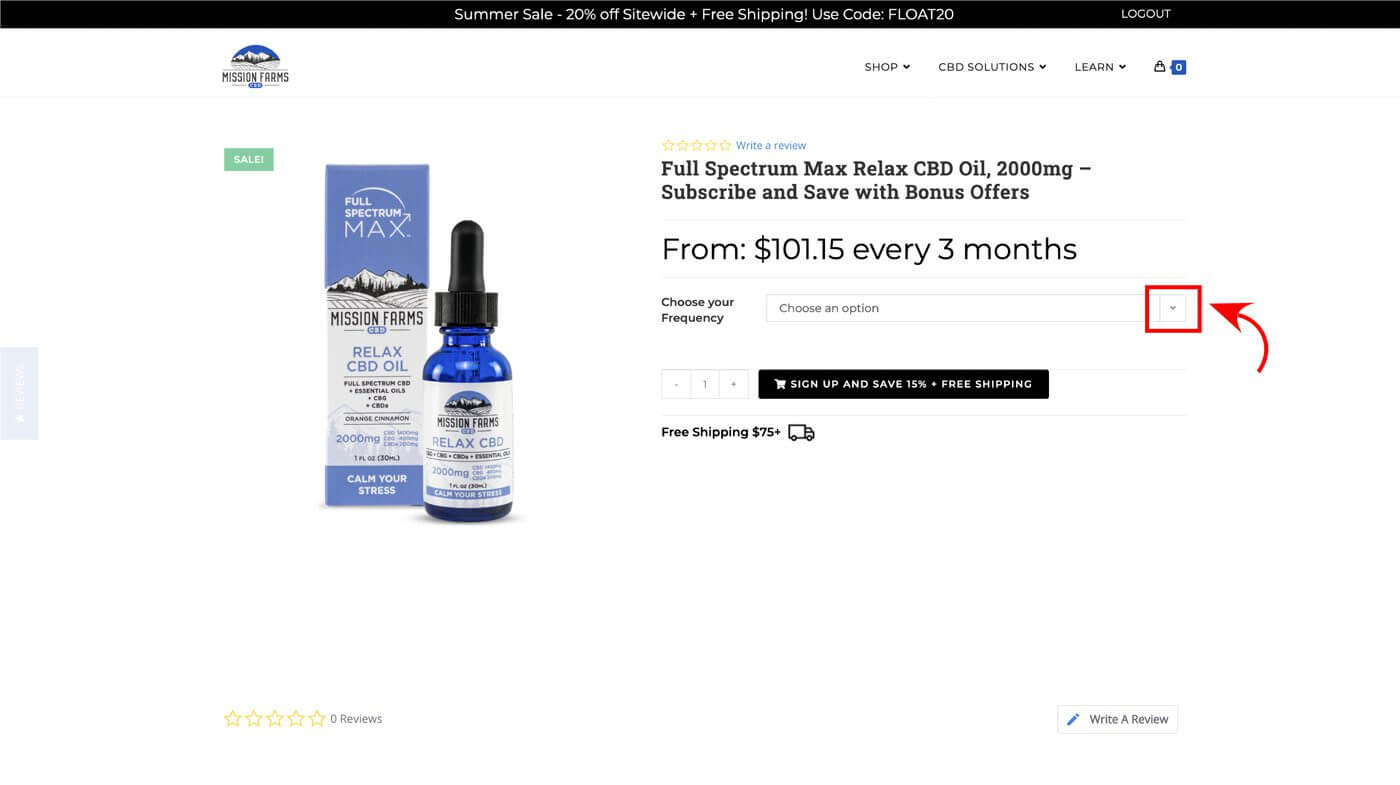
- Visit the product page for which you would like to start a subscription and choose your option if applicable.
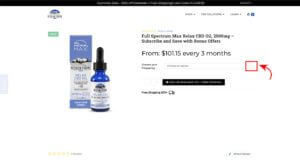
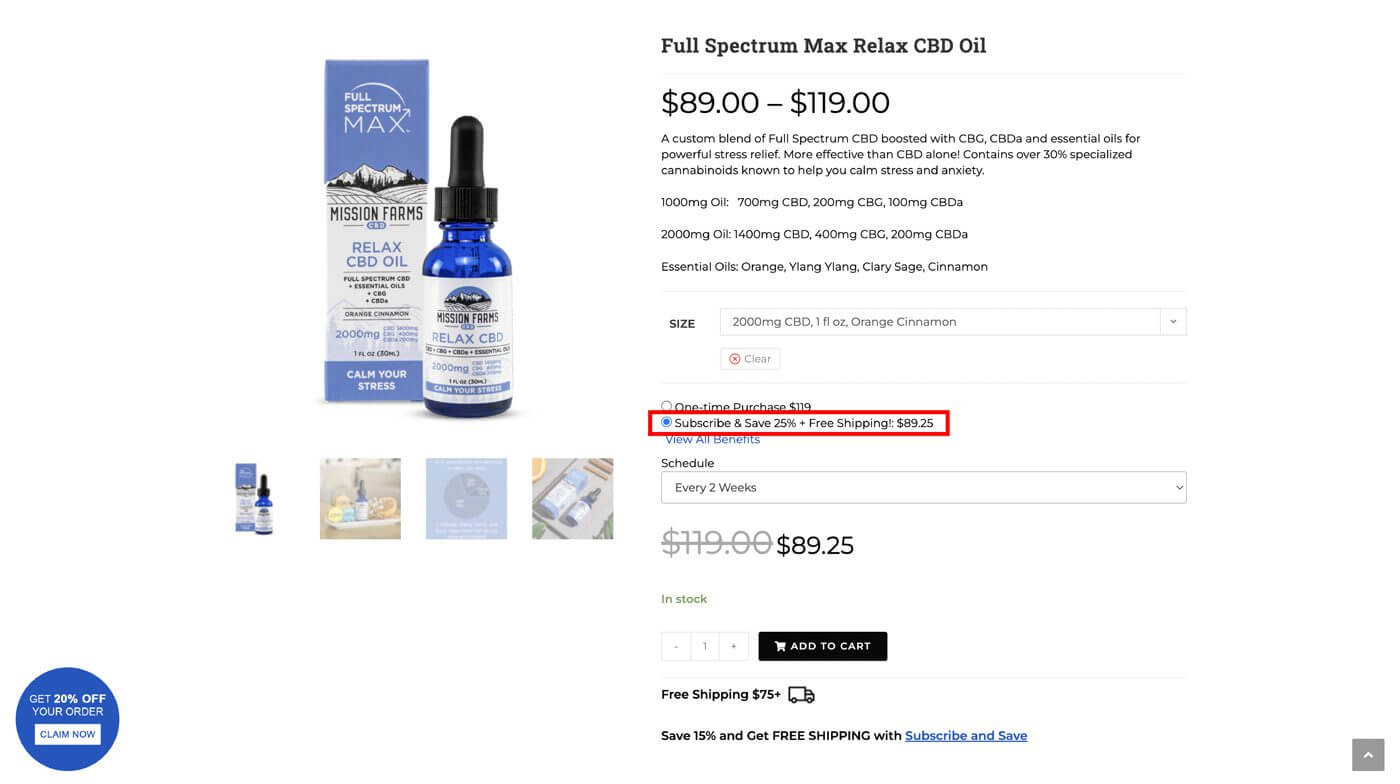
(click to enlarge) - Select the “Subscribe and Save” option
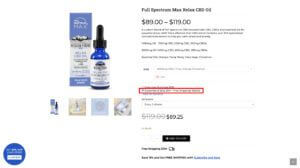
(click to enlarge) - Schedule a frequency (ie. every 2 weeks to every 12 weeks) then select “Add to Cart”
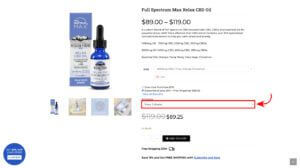
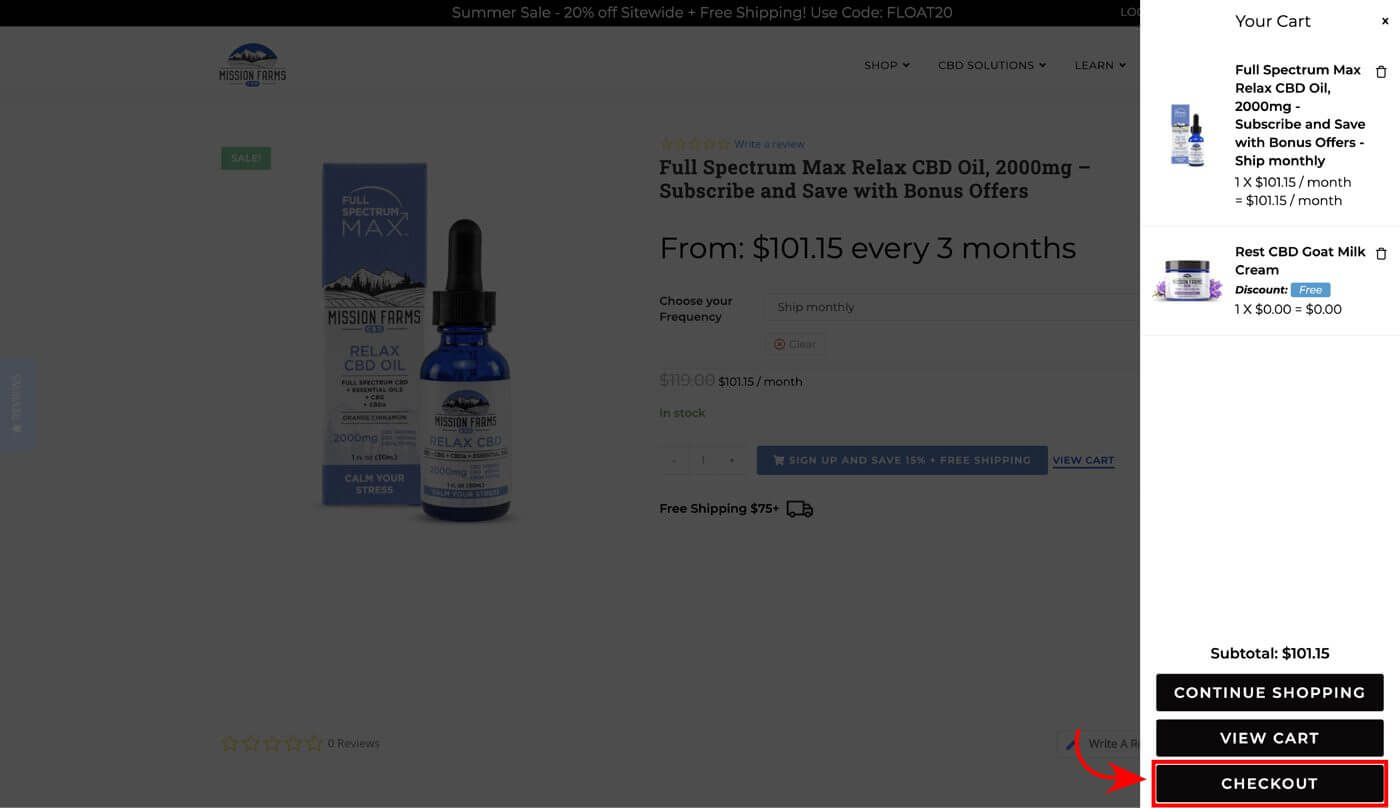
(click to enlarge) - Complete checkout process as a new or existing customer
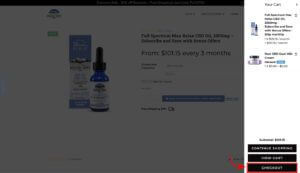
(click to enlarge) - To edit and view your new subscription, go to My Account > Subscriptions
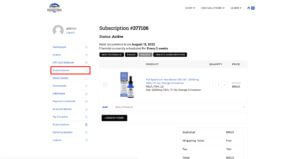
(click to enlarge)


Yes. We will send you an email two days before your credit card is billed for the next shipment. That gives you an opportunity to pause, cancel, or edit your order. No surprises with our program!
Yes. You can edit your subscription – including pausing or canceling it – at any time through your customer account.
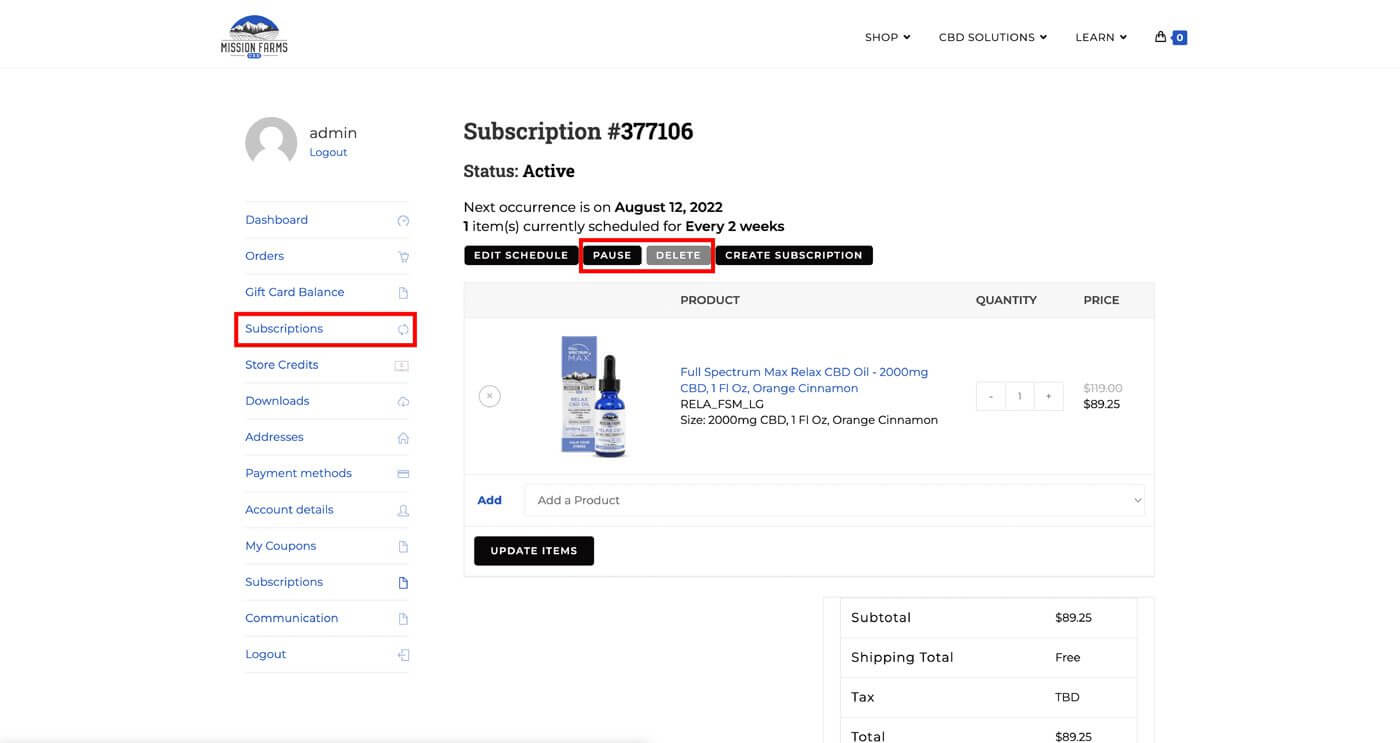
(click to enlarge)
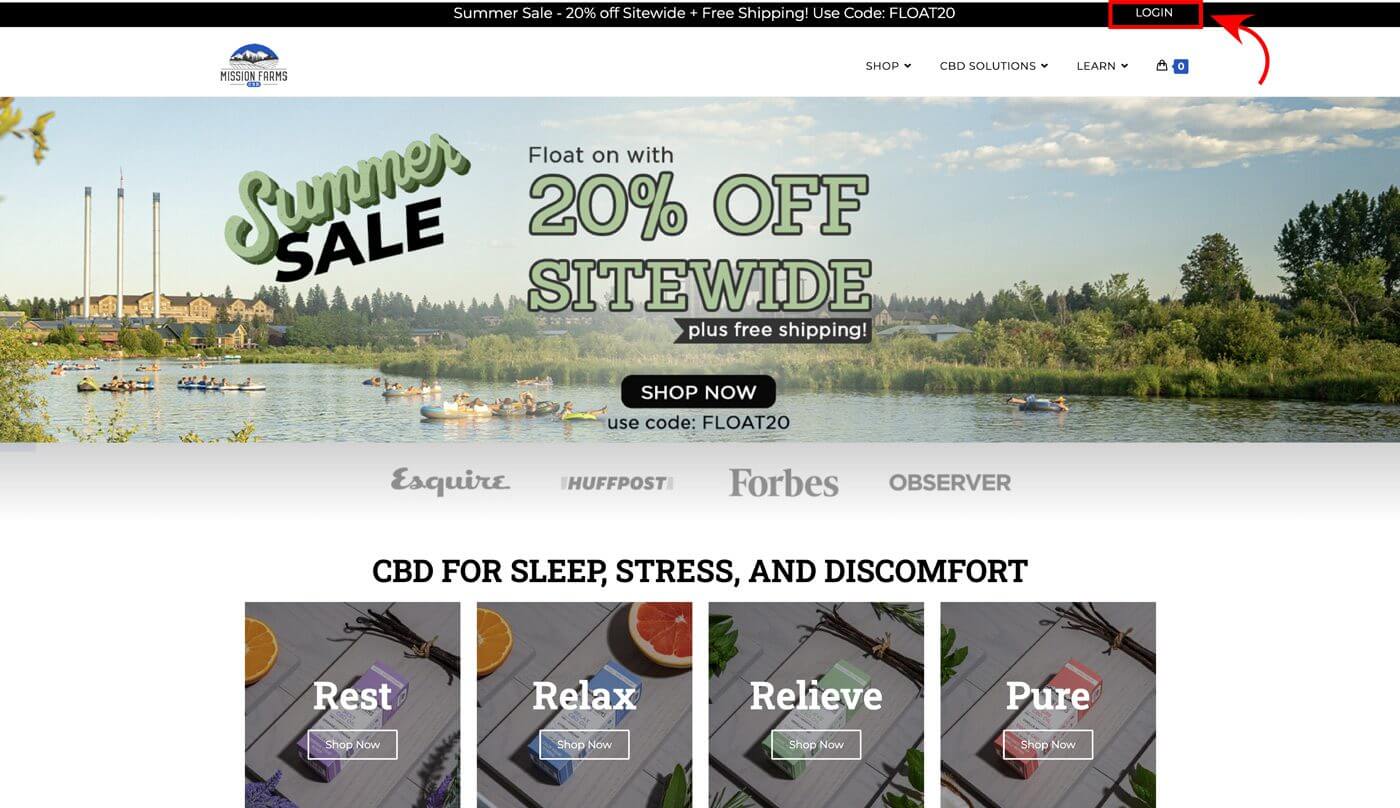
- Click “LOGIN” in the top right corner of any page on our website
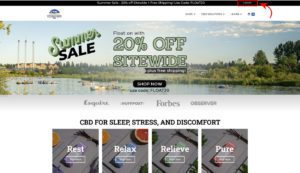
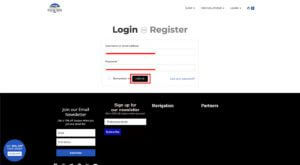
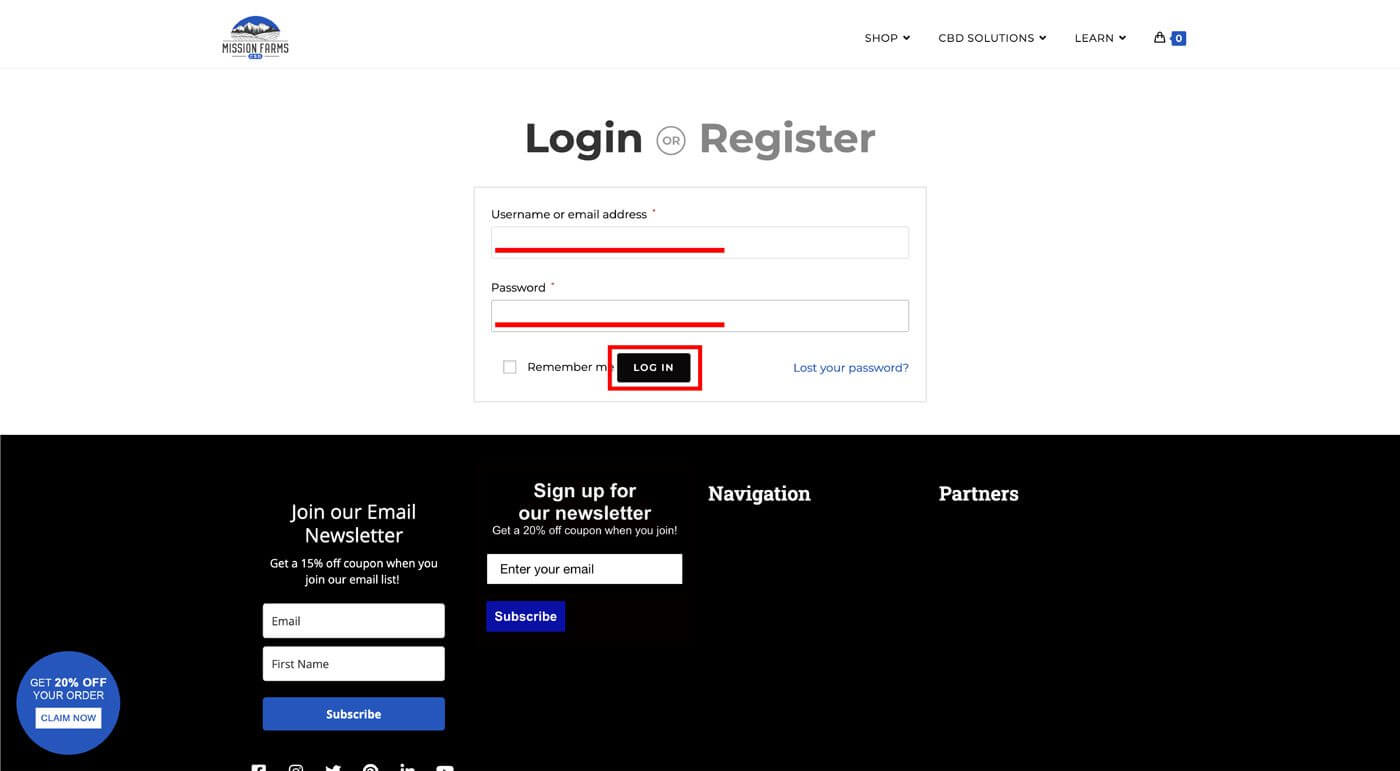
(click to enlarge) - Login to your customer account
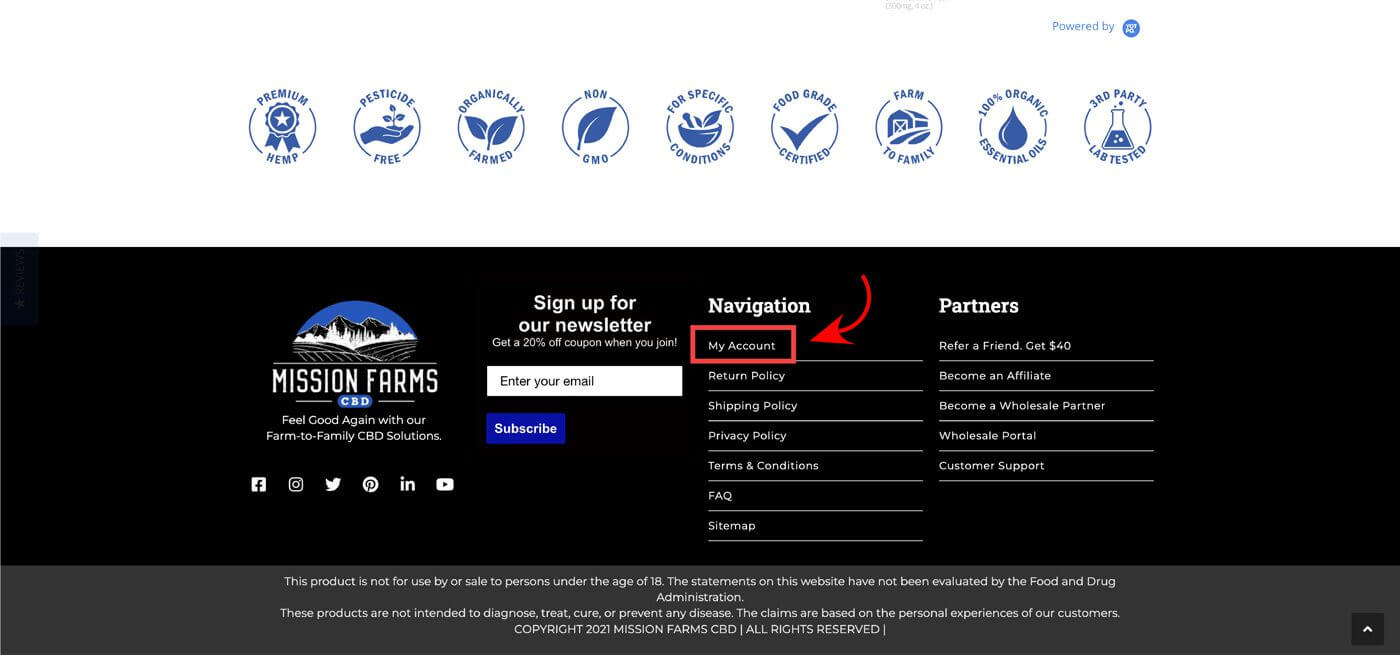
(click to enlarge) - Go to “My Account” by scrolling to the footer at the bottom of any page on our website
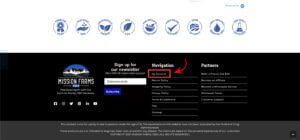
(click to enlarge) - Click on “Subscriptions”
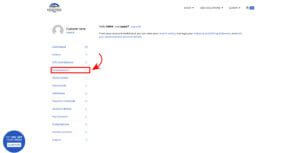
(click to enlarge)
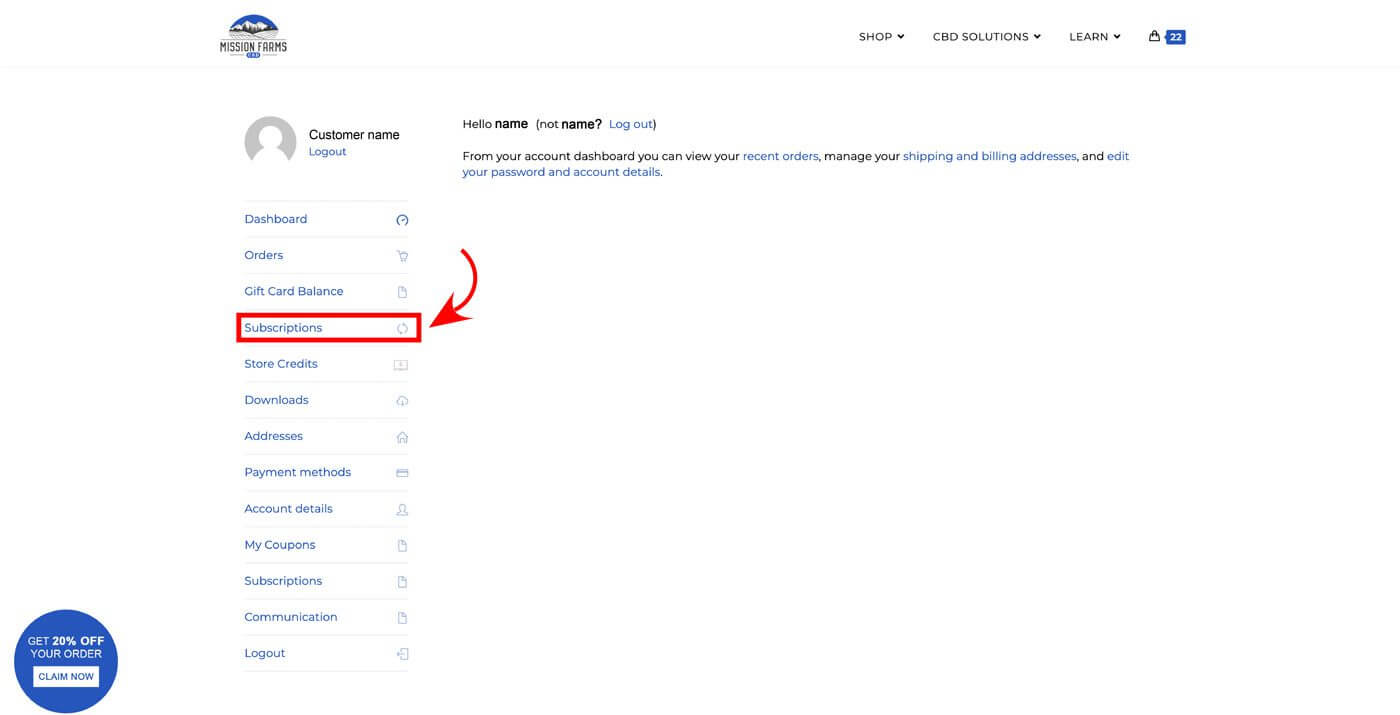
By selecting “Edit Schedule” in My Account > Subscriptions , you can update the next occurrence (when the subscription Order will process next) for an individual subscription order.
(click to enlarge)
By selecting “Edit Schedule” in My Account > Subscriptions, you can update the frequency (cadence) your subscription processes on.
(click to enlarge)
For example, you can update the frequency from “Every 2 Weeks” to “Every 12 Weeks”. Changing the frequency will not automatically update the next occurance for an individual subscription order, it will only affect subsequent occurrences.
(click to enlarge)
You are able to Pause, Resume (Activate), and Delete subscriptions from My Account > Subscriptions. If your subscription order has failed to process, then selecting “Resume” will continue processing the subscription at the point it failed. For example, if the subscription order fails due to a payment error, then resuming will retry the payment. You can alternatively update the next occurrence to a future date and then “Resume”.
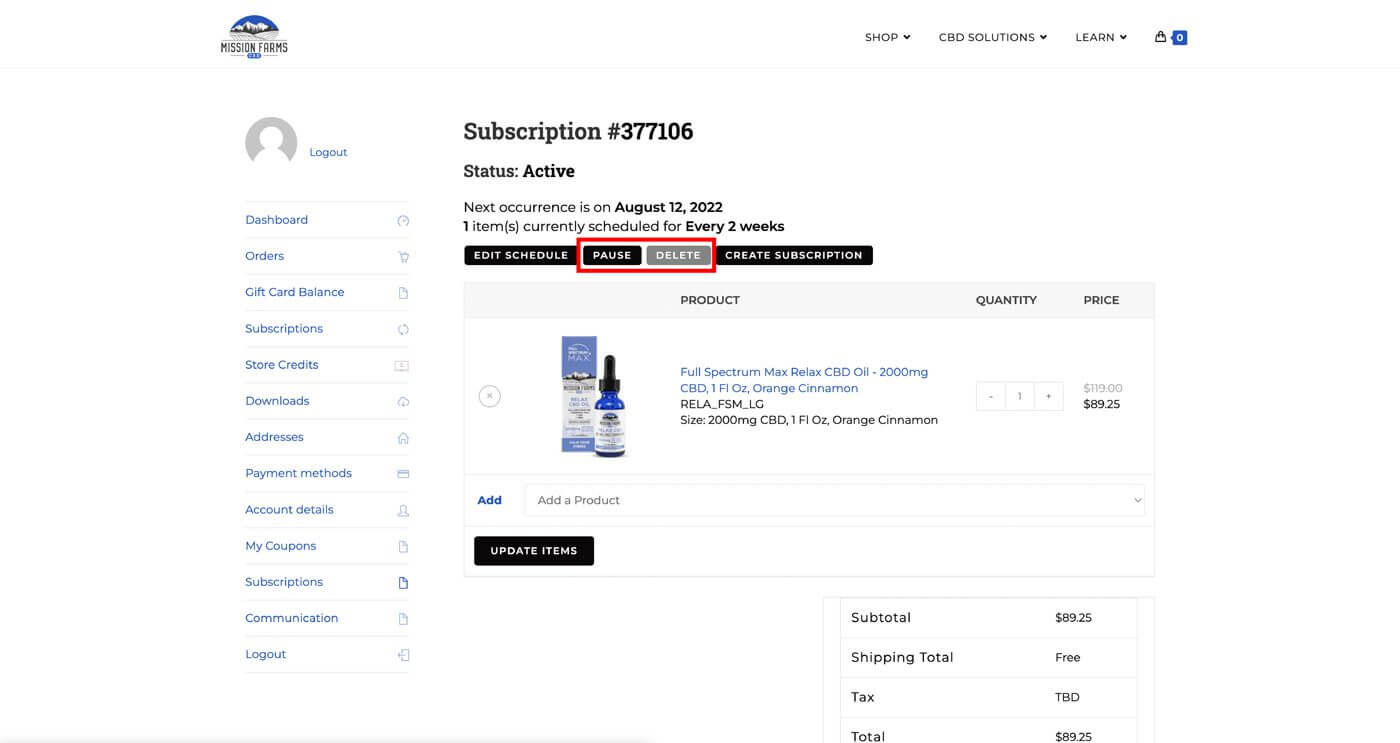
(click to enlarge)
You can add, remove, or change the number of products in your subscriptions in My Account > Subscriptions. Pro Tip: Make sure to select “Update Items” after making any changes to products. If this is not selected then changes to item(s) quantities will not be saved.
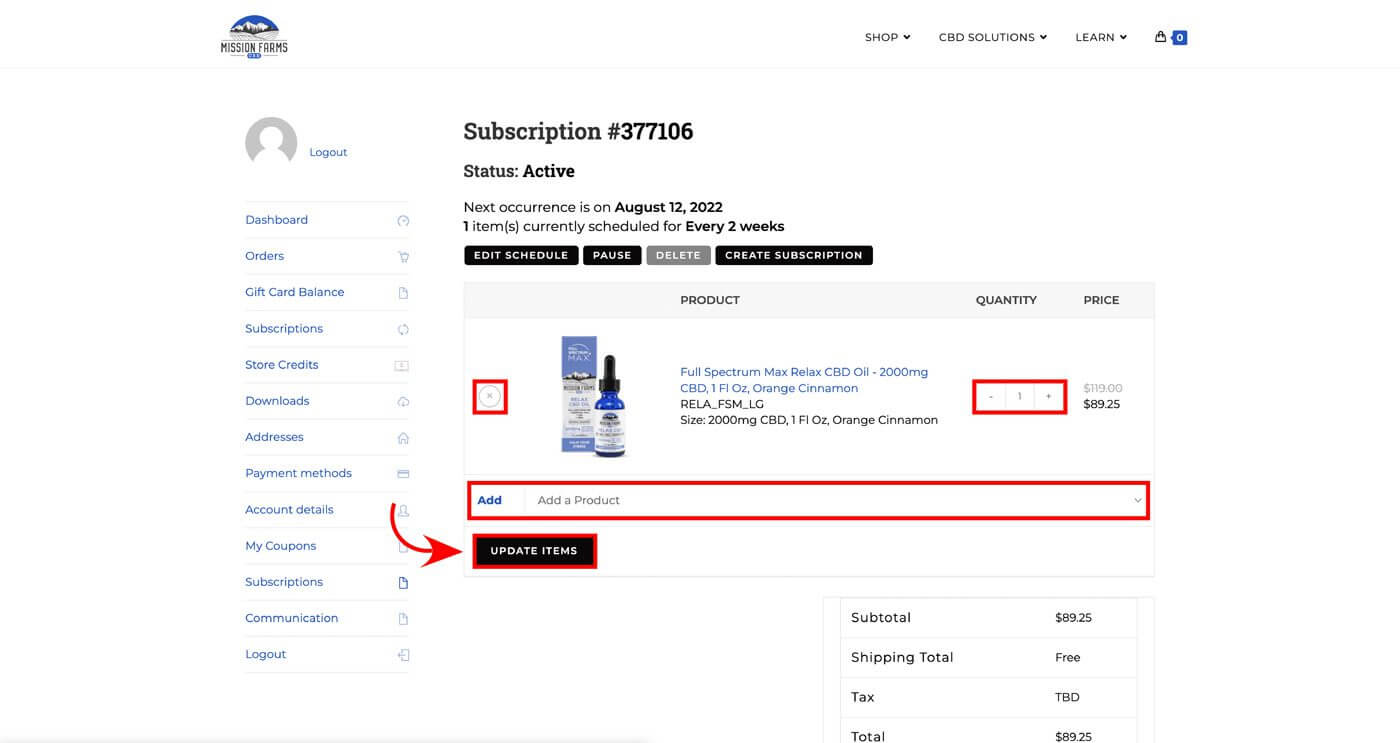
(click to enlarge)
You can manage shipping addresses for an individual subscription in My Account > Subscriptions.
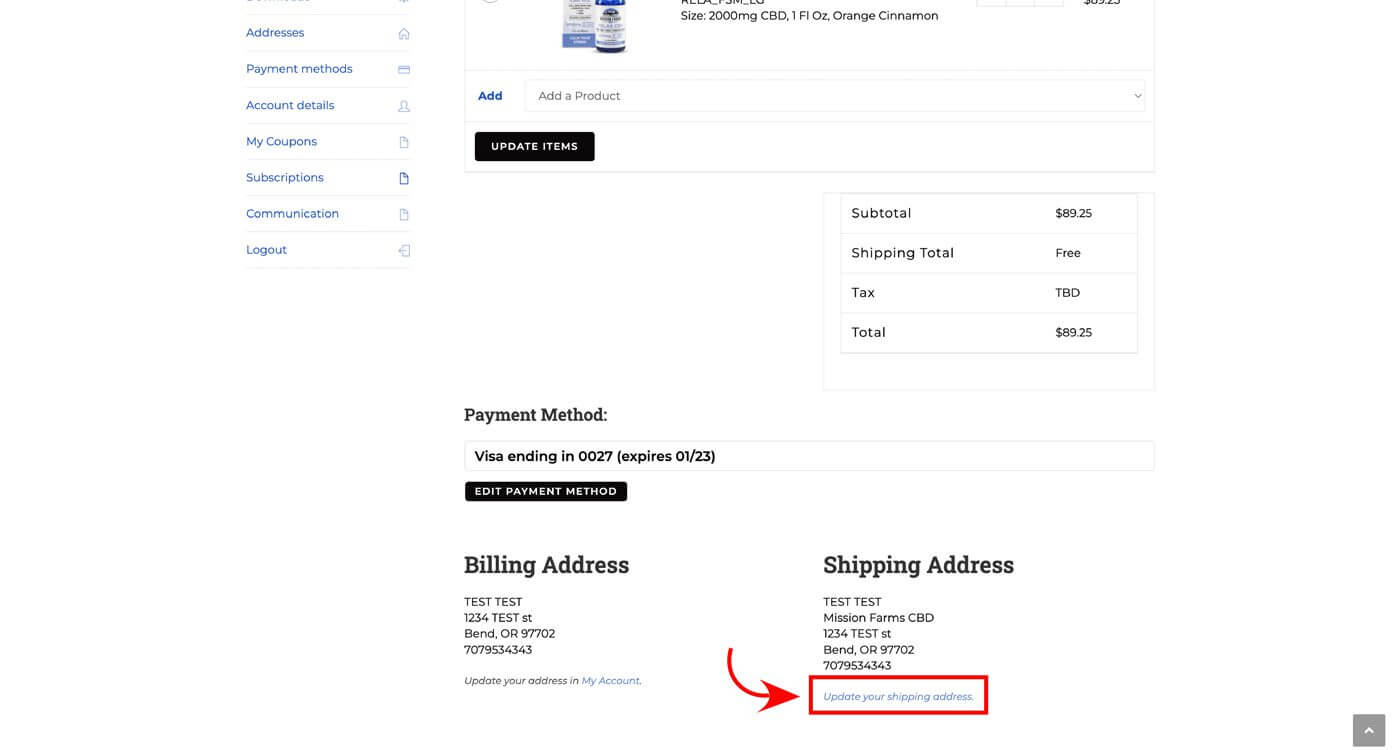
(click to enlarge)
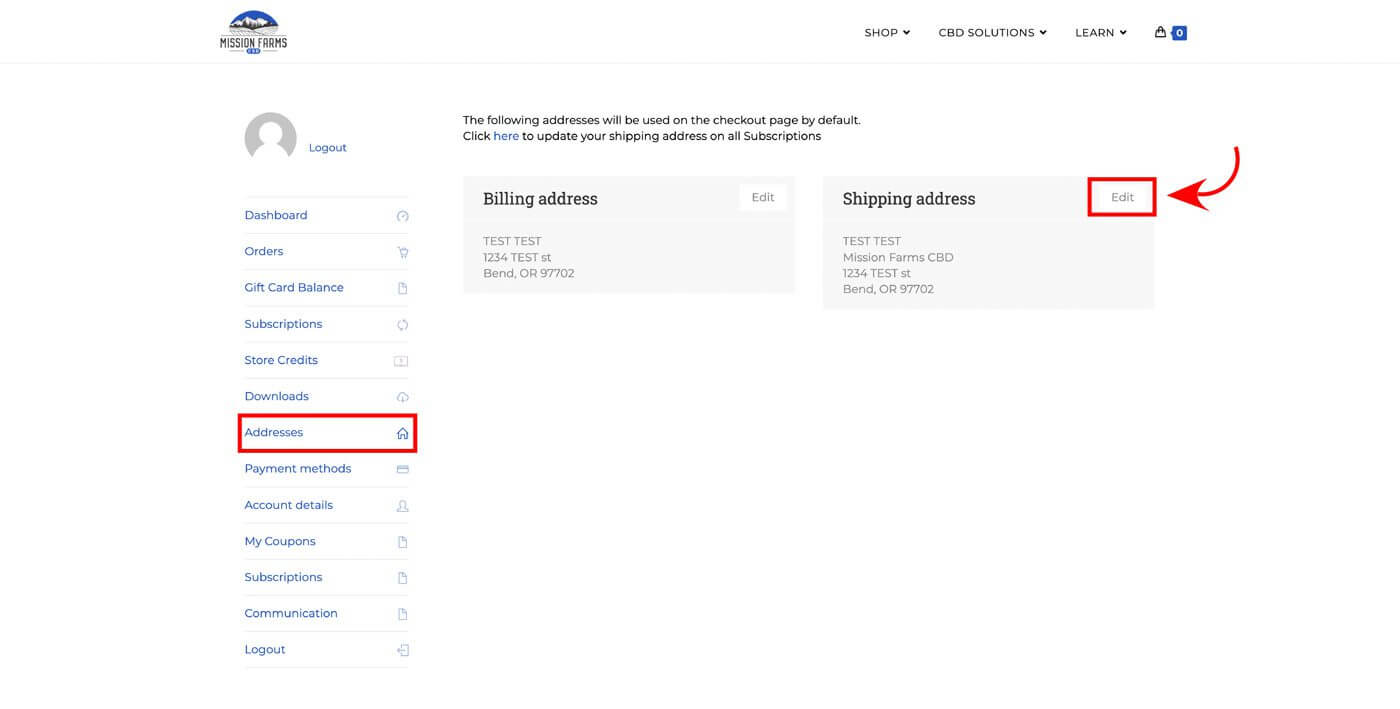
You can also update shipping addresses for all subscriptions in My Account > Addresses.
(click to enlarge)
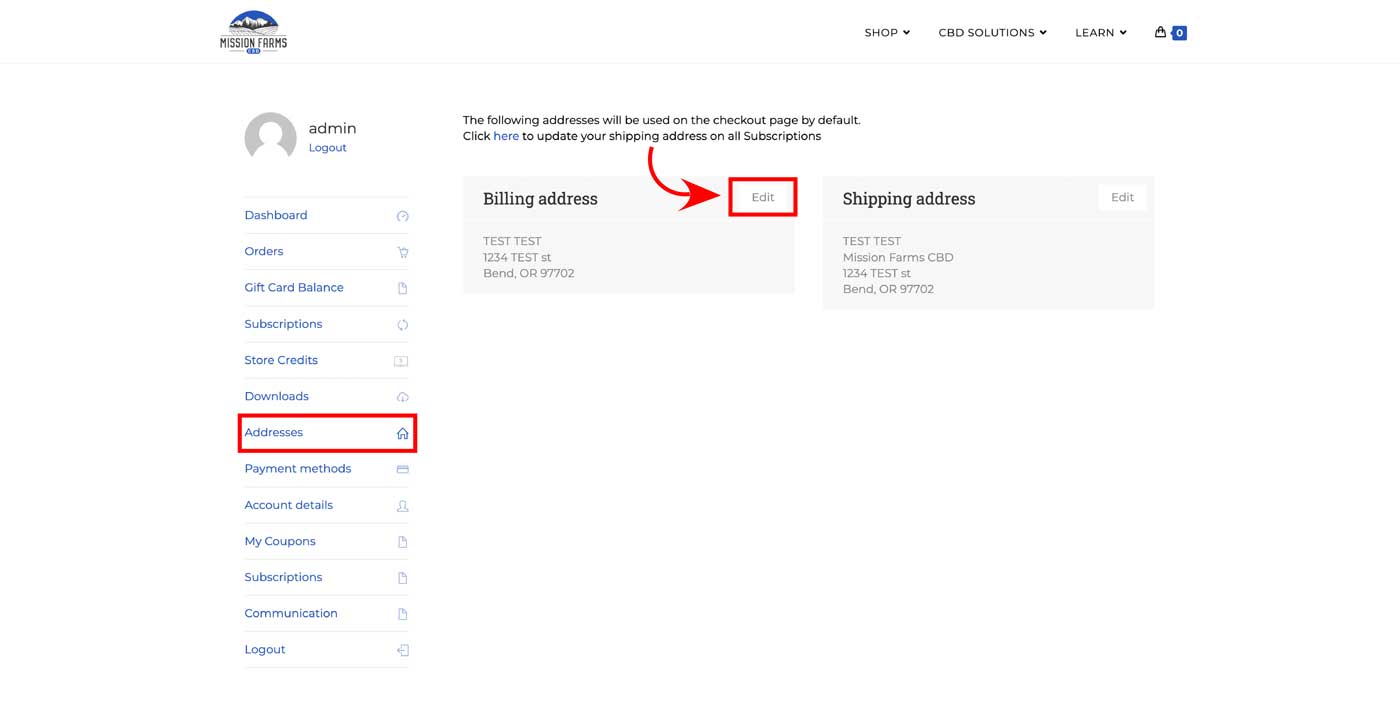
You can edit your billing address in My Account > Addresses.
 (click to enlarge)
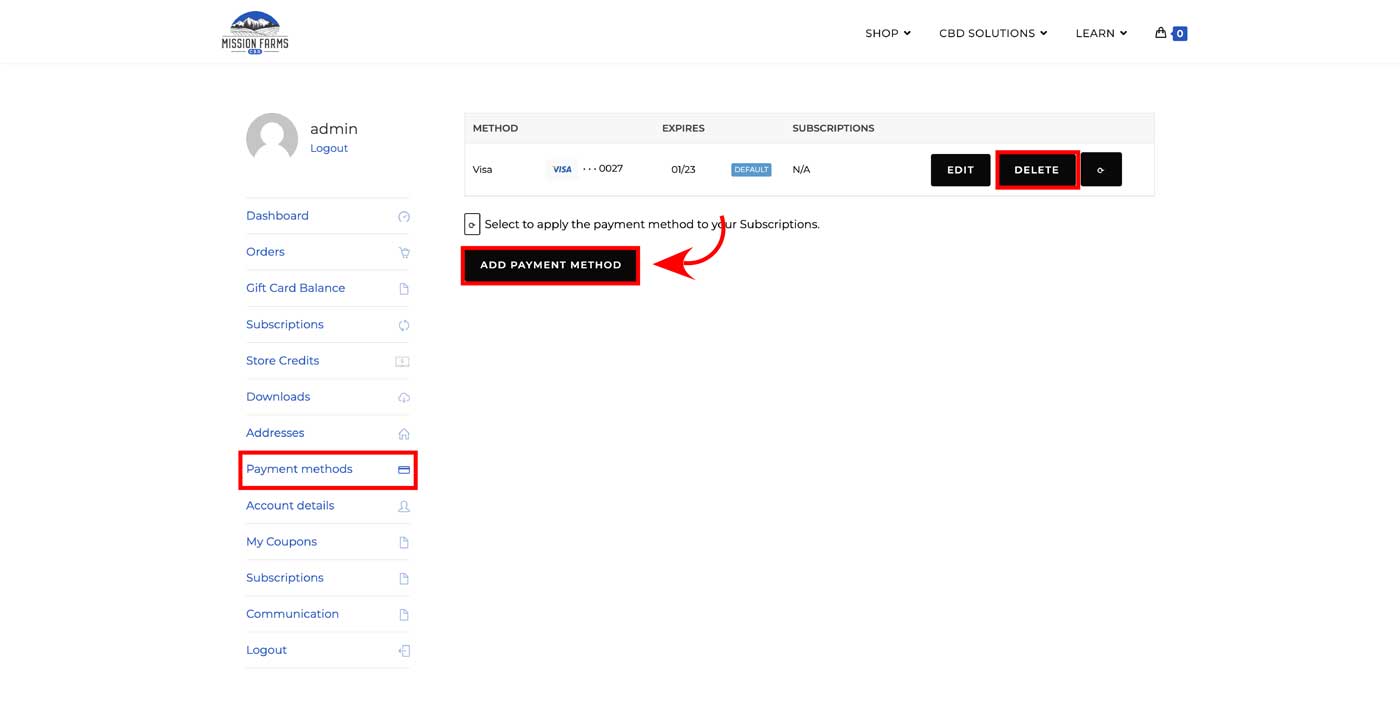
However, if you need to update your billing address for your saved payment method as well then you will also need to complete additional steps. In order to apply the billing address to saved payment methods (and therefore subscriptions), a new payment method must be added. The old payment method (with the old billing address) should be deleted from My Account > Payment Methods. A new payment method can then be created (even if it’s the same card information). This new payment method will use the billing address saved in step 1.
 (click to enlarge)
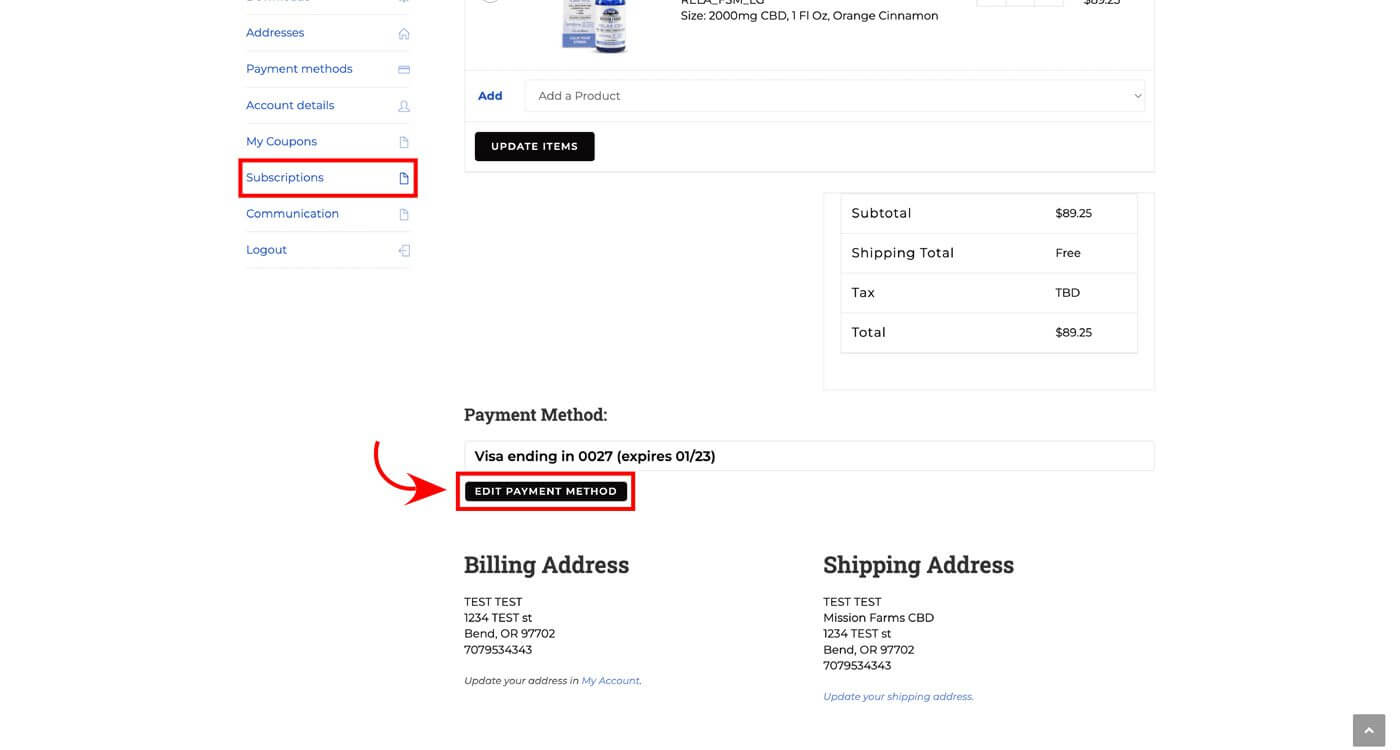
You can update your payment method for a subscription by selecting “Edit Payment Method” in My Account > Subscriptions. All saved payment methods from My Account > Payment Methods will be listed there.
(click to enlarge)
Yes. Your credit card information is protected by Square, a highly reputable credit card processing company. We do NOT store your credit card information on our website.
You can cancel your subscription at any time if you do not like the product. You can also return the product within 30 days to receive a full refund. Contact Customer Service by email [email protected] for any questions or to initiate a return.